Advance Ship Notice (ASN) FAQs
Below are answers to frequently asked questions about Advance Ship Notice (ASN).
General
The Basics: What, Why, and Who?
1. What is an ASN?
An Advanced Ship Notice (ASN), technically known as the EDI 856, is a digital "heads-up" to Walmart. It tells us exactly what you put on the truck before the truck arrives. Think of it as a packing slip, but digital, faster, and much more strictly validated.
2. Why do we need it?
It's not just paperwork! ASNs allow Walmart to:
- Plan Labor: We know how many people we need on the dock.
- Receive Faster: One scan of a barcode receives the whole pallet (if you did it right!).
- Automate Inventory: Your ASN updates our inventory systems automatically.
3. Who is required to send ASNs?
If you ship to a U.S. mainland Walmart DC or FC, you are in the club. This applies regardless of:
- Shipment Size: Full Truckload (TL) or Less-than-Truckload (LTL).
- Freight Terms: Prepaid (PPD) or Collect (COL).
- Carrier: Walmart Private Fleet or Third Party.
2. Golden Rules of Compliance
To avoid the "SQEP Doghouse" (and actual financial penalties), you must follow these three rules:
Rule #1: Timeliness (The "Gate-In" Rule)
Your ASN must be transmitted AND validated (no errors) by Walmart's system BEFORE the physical truck arrives at the Walmart gate ("Gate-In").
- Pro Tip: Don't wait until the driver leaves. Send the ASN as soon as the trailer doors are sealed.
Rule #2: Completeness (The "All or Nothing" Rule)
- PO Line Coverage: If it's on the PO and in the truck, it MUST be on the ASN.
- Single Transmission: Send the whole shipment's ASN in one go. Don't drip-feed us lines.
Rule #3: Accuracy (The "4-Way Match" Rule)
It's not just about the physical shipment; it's about the perfect alignment of data across the lifecycle. We expect a 4-Way Match:
- PO vs. ASN: Your ASN must mirror the Purchase Order. Same items, same Ship To location, and quantities must never exceed the ordered amount.
- Physical vs. ASN: The ASN is the "Digital Twin" of the truck. If the ASN says 100 cases, the truck must contain 100 cases.
- Invoice vs. ASN: Your invoice should match the ASN exactly.
- The Result: PO == ASN == Physical Shipment == Invoice.
3. CRITICAL: Pallet Labels & SSCC-18
This is the #1 failure point for new suppliers. Read this carefully!
All palletized or unitized merchandise MUST have a physical pallet-level shipping label.
Every palletized or unitized shipment must carry a clearly visible, physical pallet-level shipping label affixed to each individual pallet. This label should accurately reflect the pallet’s contents and the exact quantity of items it holds, ensuring precise identification and streamlined handling throughout the supply chain.
The Physical Label
- Standard: GS1-128 Logistical Label.
- Barcode: Must contain the SSCC-18 (Serial Shipping Container Code).
- Application Identifier (AI): You must use AI (00) to indicate it is an SSCC.
The Digital Link (ASN)
The physical barcode on the pallet is useless if it doesn't link to your ASN.
- Segment: You must use the MAN (Marks and Numbers) segment at the Tare Level of your ASN.
- Qualifier:
GM(This tells us "Here comes an SSCC!"). - Value: The exact 20-digit number (AI '00' + 18 digits) from your barcode.
Physical Label Scan == ASN MAN*GM Segment == Happy Receiving
If these don't match, the DC cannot receive your pallet via scanning, and you will likely receive a defect.
4. Technical Implementation Guide
Selecting the Right Guide
Don't guess! Use the guide that matches your product:
Commodity Type | Guide Name | Structure Code (BSN05) |
General Merchandise (Ambient) | Standard Pack ASN Guide |
|
Perishables (Meat/Produce) | Perishable ASN Guide |
|
DSDC / Store Delivery | Standard Pack ASN Guide |
|
The Validation Flow
Sending the ASN is only half the battle. You must listen for the echo.
- You Send: EDI 856 (ASN).
- We Reply (Step 1): EDI 997 (Functional Acknowledgment).
- Accepted: We got the file.
- Rejected: The file format was garbage. Fix and resend immediately.
- We Reply (Step 2): EDI 824 (Application Advice).
- No 824? Good news! (Usually means success).
- Received 824? Bad news. You have data errors (e.g., invalid PO, wrong item). You must fix the data and resend the entire ASN.
5. Troubleshooting & Support
1. Where can I see my errors?
- ASN Dashboard:
Retail Link > APPS > Advance Ship Notice Dashboard. (Great for technical errors). - SQEP Dashboard:
Retail Link > APPS > SQEP. (Great for seeing fines/defects). - Global Enterprise Mailbox (GEM):
Retail Link > Apps > EDI-B2B > Global Enterprise Mailbox. (Best for raw EDI files and 997/824 details).
2. Who do I call?
- EDI Help Desk: (479) 273-8888
- Retail Link Issues: (479) 273-8888 (Option 1)
Learning Resources
1. Where can we learn the latest about ASNs / find the ASN reference source?
Refer to the Advance Ship Notice (ASN) course on Supplier Academy. Suppliers are encouraged to visit this site often to stay caught up with all the ASN news, including ASN onboarding, resources and much more.
2. Where are the ASN mapping guides located?
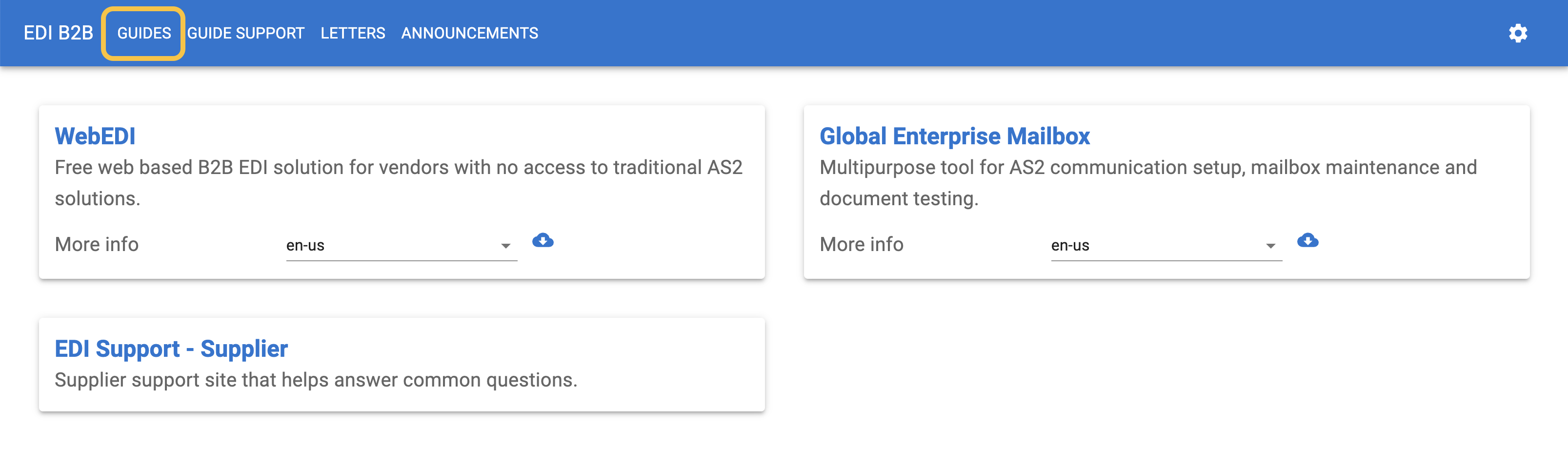
Find the guides in the EDI-B2B application under the Guides tab.
ASN Setup and Sending
1. How do we get set up to send ASNs?
Refer to the ASN setup guide and the entire Advance Ship Notice (ASN) course on Supplier Academy.
For AS2, WebEDI will automatically set up the ASN.
2. When do we send the ASN?
Suppliers should transmit the ASN before your order hits its destination.
3. How do we send ASNs via WebEDI?
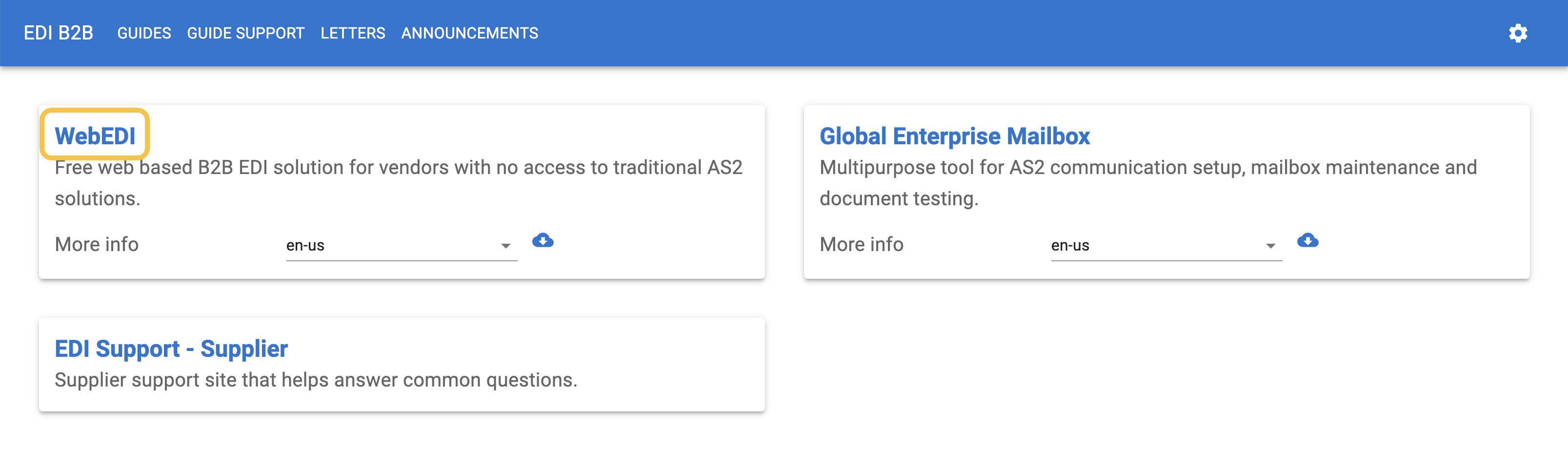
Go to the EDI-B2B application and click WebEDI for guidance.
- You can also navigate to Retail Link > Apps > EDI B2B. On the WEB EDI tile, click on More Info.
4. How do we send ASNs for split shipments?
The ASN should only contain what was physically shipped on the trailer.
- If all the POs are written to the same DC/FC and are shipped on the same truck, you only need to do 1 ASN for the shipment with all the POs in it.
- If shipping the same PO in more than one trailer, each shipment should contain a unique ASN document ID.
5. How do we get an ASN document moved to production?
Contact the Retail Link Help Desk at 479-273-8888 or open a case through Supplier Help.
6. How do we add ASN Documents to an existing AS2 mailbox?
- Go to your AS2 mailbox > Document Testing > Available Transactions > Request the 824 and 856.
- Go to Document Testing > Portal Dashboard.
- Click on the start button on each document and enter the qualifier ID, interchange and supplier group id.
- Save your changes.
- At the bottom, you will see TEST EDI.
- Test your documents and, once successful, contact EDI support at 479-273-8888 or open a ticket by going to Supplier Help and request the documents be moved to production for the 856 and 824.
7. Do we send line items information on the ASN if the line has been cancelled?
No. If the line has already been cancelled, you do not need to send the information in the ASN. If the line has not been cancelled on the PO, then you will want to send with a 0 quantity.
Viewing and Disputing POs with ASN Issues
1. Where can we view POs with ASN issues?
Go to the ASN or SQEP dashboard in Retail Link:
- ASN Supplier Performance or at Retail Link > Apps > Advanced Shipment Notice Dashboard Application
- SQEP or at Retail Link > Apps > SQEP Dashboard
2. Where do we dispute ASN charges?
ASN charges are disputed in High Radius.
Learn more about the Supplier Quality Excellence Program (SQEP) on Supplier Academy.
Common Terminology
1. What is a functional acknowledgement document?
A 997 functional acknowledgment is a document that lets you know if your document/ASN passes/is accepted or fails/is rejected based on EDI document structure rules.
2. What is an 850?
The 850 is the purchase order.
3. What is an ASN Shipping ID number?
The ASN Shipping ID number is a unique number that references the ASN.
4. What is an ASN document reference number?
The BSN02 number is the number at the second element position in the BSN segment. It is also referred to as a document reference number or ASN number.
5. What is an SSCC-18 number?
It is a number that is comprised of the 00 application identifier, extension digit, company prefix, serial number, and check digit. It is found in the MAN segment of the ASN.
6. What is the difference between a warning 824 and an error 824?
- A warning 824 will still process but will need to be corrected for the future.
- An error 824 will not process and will need to be fixed and re-transmitted.